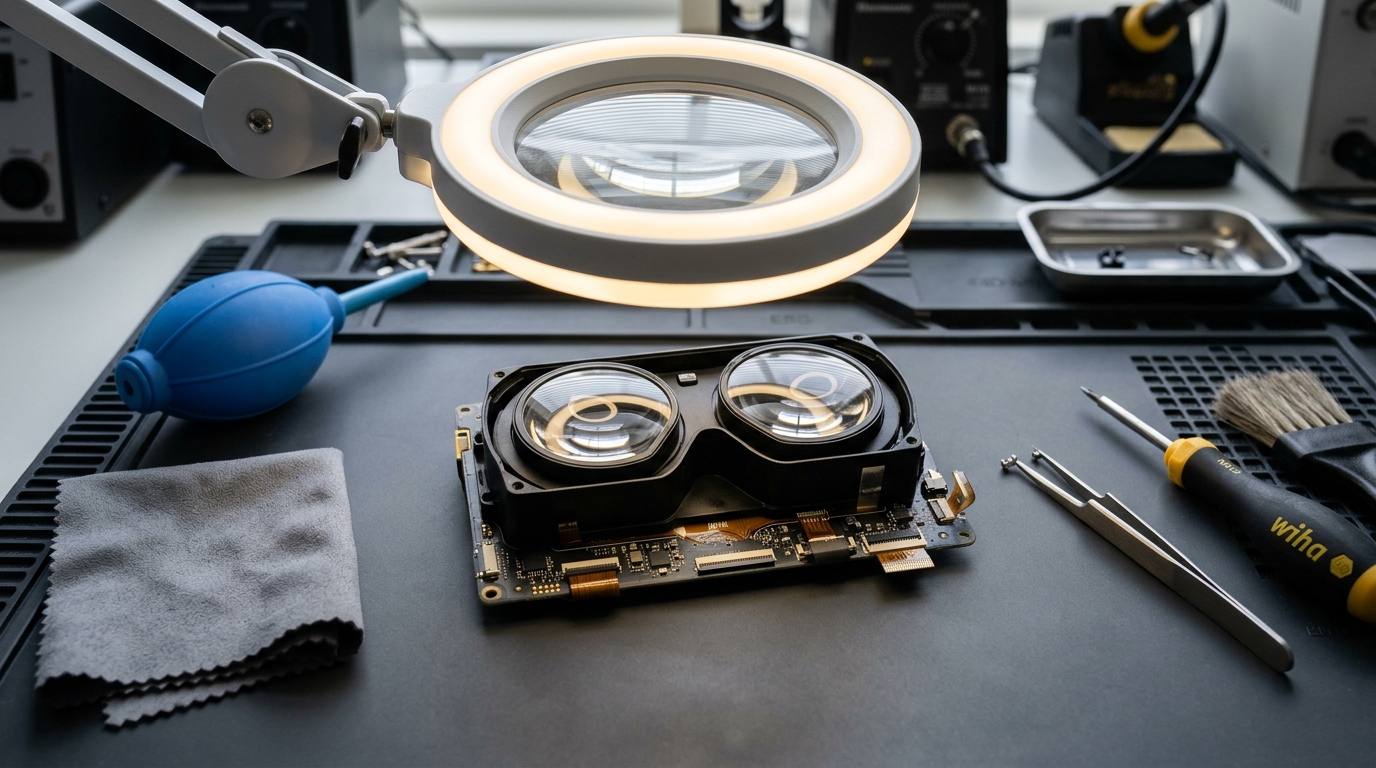
RockIT Repairs VR & AR Workbench · Fredericksburg, Virginia
You do not need to buy a brand new headset just because your Samsung HMD Odyssey+ or Odyssey has scratched lenses. At RockIT Repairs, we fix this exact problem every day so you can get back to clear, comfortable VR without spending a fortune.
Service Summary & Guarantees
- Supported Device
- Samsung Samsung HMD Odyssey+ & Odyssey
- Inbound FedEx Label
- Free ($0 Prepaid Ground)
- Bench Checkup & Quote
- Free ($0 Paid Upfront)
- If Quote Is Declined
- Free Return Shipping
- Repair Warranty
- 90-Day Parts & Labor
- Virginia Repair Lab
- Fredericksburg, VA 22401
Quick Takeaways Before You Ship
- Scratched lenses usually happen from eyeglasses rubbing against the headset optics or using the wrong cleaning cloth.
- You pay $0 upfront with our free FedEx Ground shipping label and free bench checkup.
- Every lens repair is backed by our 90-day warranty on parts and labor.
Signs You Need This Repair
- Blurry or hazy spots in the center of your vision that do not wipe away.
- Bright halos, glare, or streaks around white text and menus.
- Visible scuff marks or fine lines on the glass or plastic lens surface.
- Eye strain or headaches after wearing the headset for just a few minutes.
What Happened Inside & How We Fix It
| What You Notice | Likely Hardware Cause | Our Bench Fix |
|---|---|---|
| Cloudy patch in the middle of the lens | Eyeglasses or rough fabric wore away the protective anti-glare coating. | We replace the damaged lens assembly with a clean, clear replacement. |
| Deep scratches or gouges on the optic | A hard object or glasses frame pressed directly into the lens surface. | We swap out the scratched lens and seal the display housing dust-free. |
| Severe glare and starbursts around lights | Micro-scratches are scattering light before it reaches your eyes. | We install fresh optics and test the headset in VR to confirm crisp focus. |
Safe Quick Checks at Home
- Gently wipe the lenses with a clean, dry microfiber cloth made for eyeglasses.
- Check under a bright lamp to see if the mark is just skin oil or a real scratch.
- Confirm your IPD adjustment wheel on the bottom of the headset moves smoothly.
Mistakes to Avoid
- Do not use toothpaste, baking soda, or liquid scratch removers on the lenses.
- Never wipe the lenses with paper towels, tissues, or your shirt.
- Do not try to pry the lenses out yourself, as dust can ruin the screens underneath.
How We Fix Your Samsung HMD Odyssey+ & Odyssey
We make getting your gear fixed simple and stress free:
- 01. 1. Ship it for free
Print a free FedEx Ground shipping label right on this page, pack your headset safely, and drop it off.
- 02. 2. Free checkup
When your box arrives at our Fredericksburg, Virginia shop, we test it on the bench for free to inspect the lenses and screens.
- 03. 3. Approve your quote
We send a fair price quote by email and text to approve online. You pay $0 upfront, and if you decide not to go ahead, we cover the return shipping back to you.
- 04. 4. Fast repair and 90-day warranty
Once approved, we replace the scratched lenses, test thoroughly in VR, and back the fix with a 90-day warranty on parts and labor.
Have questions before you ship? Our friendly team is here to help! Reach out to RockIT Repairs at 1319 Lafayette Blvd. #300 Fredericksburg, Virginia 22401, call us at 540-412-8824, or email rockitrepairs@gmail.com.
Common Questions About Samsung HMD Odyssey+ & Odyssey Repair
Can you polish scratches out of Samsung Odyssey+ lenses?
Polishing usually ruins the special anti-glare coating and makes the image worse. Replacing the scratched lens assembly is the only way to restore a crystal-clear picture.
Will my screens be safe during the lens repair?
Yes. We open the headset in a clean workspace so dust stays off the internal displays while we swap the lenses.
How much does it cost to have you check my headset?
The checkup and FedEx Ground shipping to our shop are completely free. You only pay if you approve the repair quote.
How can I stop scratches from happening again?
If you wear glasses, we recommend using lens protector rings or prescription VR inserts so your frames never touch the headset lenses.