RockIT Repairs VR & AR Workbench · Fredericksburg, Virginia
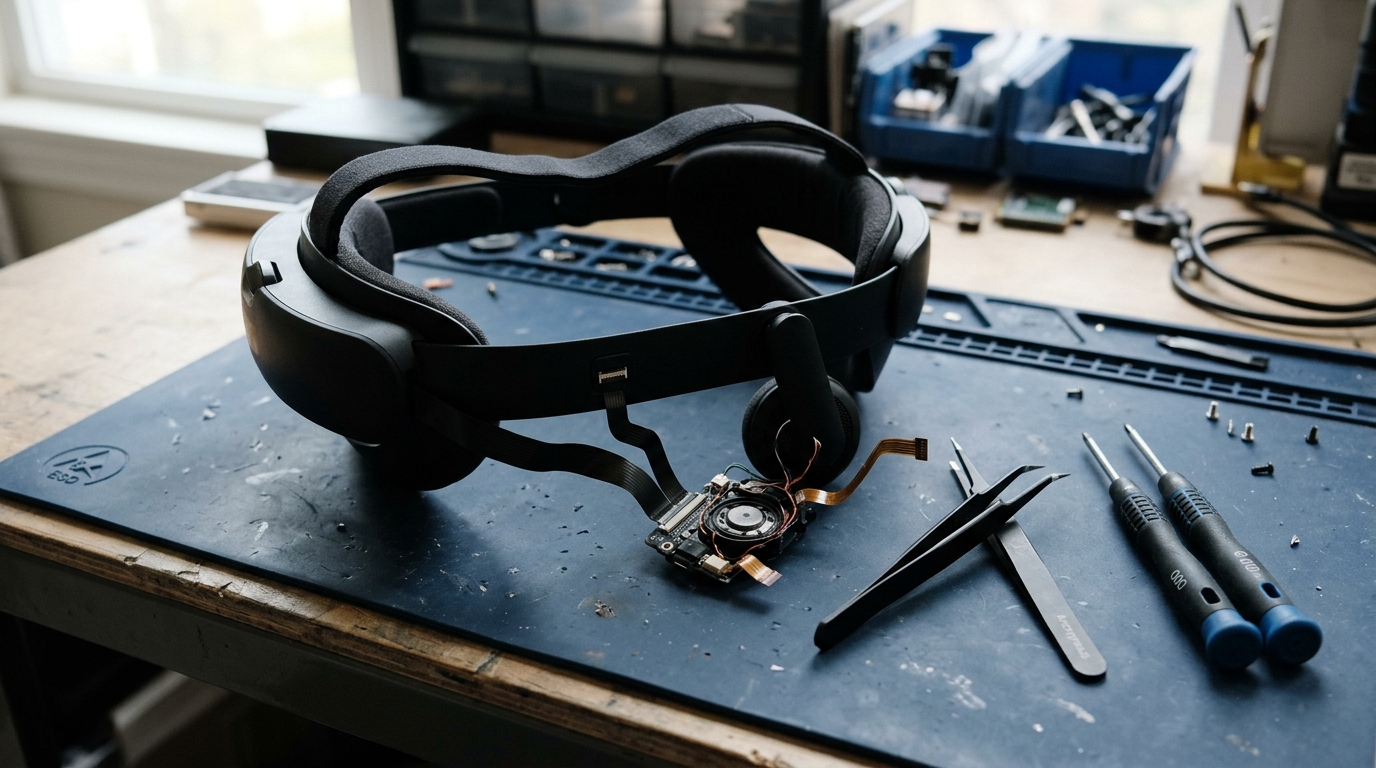
If the built-in AKG headphones on your Samsung HMD Odyssey+ or Odyssey have gone silent, crackle, or only work on one side, you do not need to buy a brand-new headset. At RockIT Repairs, we fix this exact audio problem every day so you can get back into your favorite VR games with clear, full sound.
Service Summary & Guarantees
- Supported Device
- Samsung Samsung HMD Odyssey+ & Odyssey
- Inbound FedEx Label
- Free ($0 Prepaid Ground)
- Bench Checkup & Quote
- Free ($0 Paid Upfront)
- If Quote Is Declined
- Free Return Shipping
- Repair Warranty
- 90-Day Parts & Labor
- Virginia Repair Lab
- Fredericksburg, VA 22401
Quick Takeaways Before You Ship
- Most AKG headphone issues happen when the thin audio wires inside the headband wear out from adjusting the strap.
- You pay $0 upfront with a free FedEx Ground shipping label and a free bench checkup at our Fredericksburg, Virginia shop.
- Every repair is tested in VR and backed by our 90-day warranty on parts and labor.
Signs You Need This Repair
- Sound cuts out completely on the left or right AKG earcup while the other side works fine.
- Audio crackles, pops, or drops out whenever you slide the headband or tilt the headset.
- Both built-in headphones are completely silent even though your PC shows the headset is connected.
- The earcup feels loose, wobbly, or hangs down without snapping back against your ear.
What Happened Inside & How We Fix It
| What You Notice | Likely Hardware Cause | Our Bench Fix |
|---|---|---|
| No sound in one or both AKG earcups | The thin audio wire running through the headband has broken from normal stretching and folding. | We open the headband, replace the damaged wiring with a durable new connection, and test both channels. |
| Crackling or static when moving your head | A loose internal audio plug or worn wire is losing contact as the strap flexes. | We secure the internal audio connectors, repair any frayed wires, and verify steady sound during movement. |
| Loose earcup or broken volume rocker | The hinge pin or small volume button board inside the strap has worn out or snapped. | We replace the worn hinge parts or volume controls so the earcup sits snugly and adjusts smoothly. |
Safe Quick Checks at Home
- Check your Windows sound settings to make sure the Samsung HMD Odyssey+ or Odyssey is set as the default audio device.
- Press the volume buttons on the bottom of the headset to confirm the volume was not turned all the way down by mistake.
- Unplug and firmly reconnect the headset's USB and HDMI cables on your PC, then restart Windows Mixed Reality.
Mistakes to Avoid
- Do not pry open the plastic headband or earcups with a screwdriver, as the thin plastic clips snap easily.
- Do not pull on the small wire loops near the earcups, which can tear the internal connections even further.
- Do not use glue or tape on a loose earcup, because it can gum up the speaker and make repair harder.
How We Fix Your Samsung HMD Odyssey+ & Odyssey
We make getting your gear fixed simple and stress free:
- 01. 1. Ship it for free
Print your free FedEx Ground shipping label right on this page, pack your headset safely in a sturdy box, and drop it off.
- 02. 2. Free checkup
When your box arrives at our Fredericksburg, Virginia shop, we test the AKG headphones on our bench for free to find the exact problem.
- 03. 3. Approve your quote
We send a fair price quote by email and text for you to approve online. You pay $0 upfront, and if you decide not to go ahead, we cover the return shipping back to you.
- 04. 4. Fast repair and 90-day warranty
Once approved, we perform a fast repair, test the audio thoroughly in VR, and back every fix with a 90-day warranty on parts and labor.
Have questions before you ship? Our friendly team is here to help! Reach out to RockIT Repairs at 1319 Lafayette Blvd. #300 Fredericksburg, Virginia 22401, call us at 540-412-8824, or email rockitrepairs@gmail.com.
Common Questions About Samsung HMD Odyssey+ & Odyssey Repair
Can you fix the AKG headphones on both the original Odyssey and the Odyssey+?
Yes. We repair the built-in AKG audio on both the original Samsung HMD Odyssey and the Samsung HMD Odyssey+.
Do I need to send my controllers or PC cables with the headset?
No, you only need to ship the headset itself. Keeping your controllers and extra accessories at home makes packing easier and safer.
How much does the checkup cost if I decide not to repair it?
The checkup is completely free. If you choose not to approve the repair quote, RockIT Repairs even pays for the FedEx return shipping back to you.
How long does the AKG headphone repair take?
Most audio repairs are completed within a few business days after you approve your quote, followed by full VR sound testing before we ship it back.