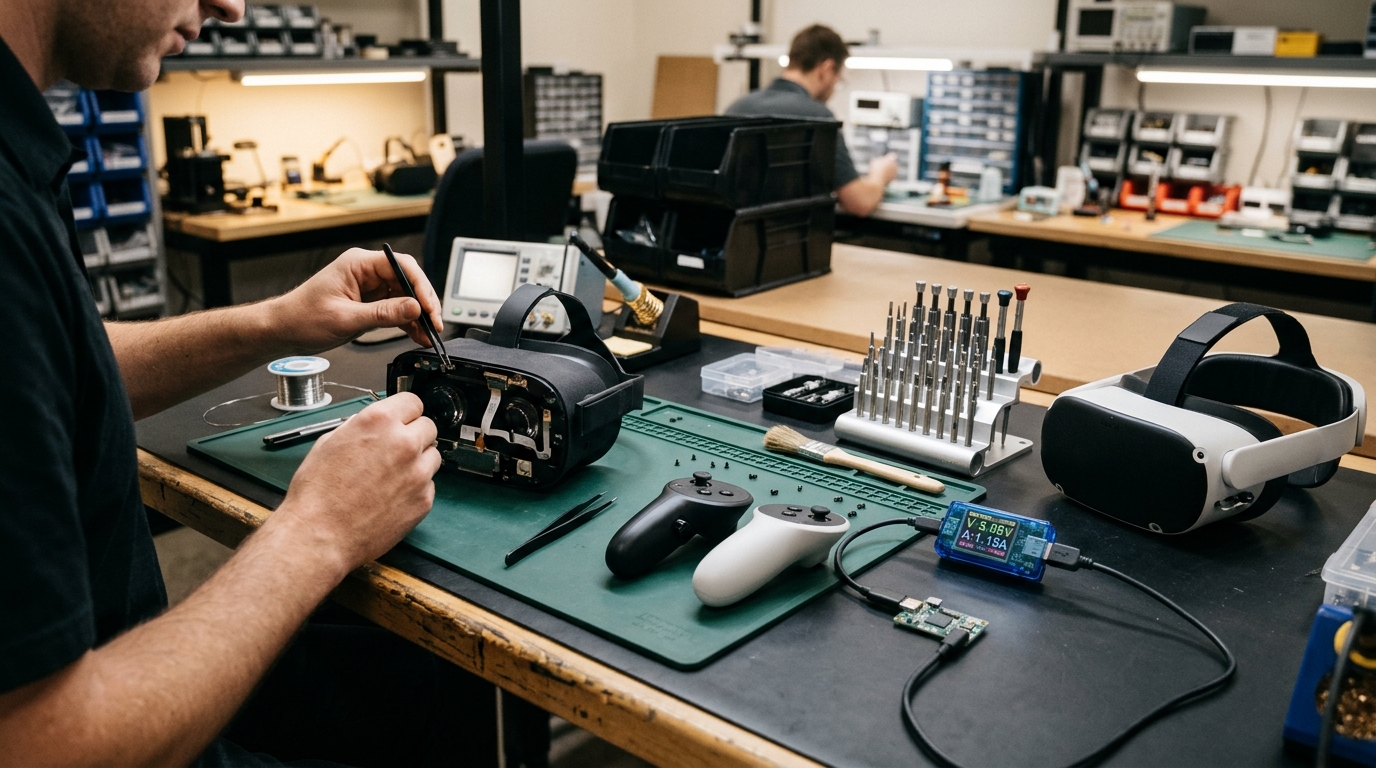
RockIT Repairs VR & AR Workbench · Fredericksburg, Virginia
If your original Oculus Quest suddenly went dead after a heavy workout, a spill, or a drop, take a deep breath. You do not need to buy a brand-new headset. At RockIT Repairs, we fix sweat and liquid damage on the original Oculus Quest every single day and can bring your headset back to life.
Service Summary & Guarantees
- Supported Device
- Meta / Oculus Oculus Quest (Original)
- Inbound FedEx Label
- Free ($0 Prepaid Ground)
- Bench Checkup & Quote
- Free ($0 Paid Upfront)
- If Quote Is Declined
- Free Return Shipping
- Repair Warranty
- 90-Day Parts & Labor
- Virginia Repair Lab
- Fredericksburg, VA 22401
Quick Takeaways Before You Ship
- Sweat and moisture can sneak inside the headset vents and corrode internal power parts over time.
- You pay $0 upfront with our free FedEx Ground shipping label and free bench checkup.
- Every completed repair is tested in VR and backed by our 90-day warranty on parts and labor.
Signs You Need This Repair
- The headset stays completely black and shows no LED light when you hold the power button.
- The charging light blinks red, stays orange, or does not turn on at all when plugged in.
- Your Quest gets warm near the front or side while charging, but it still will not boot up.
- The headset shut off mid-game during a sweaty workout and has not turned back on since.
What Happened Inside & How We Fix It
| What You Notice | Likely Hardware Cause | Our Bench Fix |
|---|---|---|
| No power and no charging light at all | Sweat or liquid has corroded the main power path or shorted a small power part inside. | We deep-clean the internal board to remove corrosion and replace the failed power parts. |
| Charging light blinks or headset gets warm | Moisture has damaged the charging port or battery connection, stopping power from flowing safely. | We clean out any residue, test the battery, and replace the damaged charging or power components. |
| Headset turns on briefly then shuts right back off | Internal moisture or a drop has caused a short circuit that triggers the safety shutoff. | We locate the exact short on our test bench, clean the affected area, and replace any worn parts. |
Safe Quick Checks at Home
- Try a different USB-C cable and wall adapter that you know works with another device.
- Hold the power button down for a full 30 seconds to see if the headset forces a restart.
- Let the headset sit unplugged in a dry, cool room for a few hours before packing it up.
Mistakes to Avoid
- Do not put your Oculus Quest in rice, as dust and starch can get inside the fans and lenses.
- Do not use a hair dryer or heat gun, which can melt the lenses and warp the plastic shell.
- Do not keep plugging it in if it smells burnt or gets hot, as this can cause worse internal damage.
How We Fix Your Oculus Quest (Original)
We make getting your gear fixed simple and stress free:
- 01. 1. Ship it for free
Print your free FedEx Ground shipping label right on this page, pack your headset safely in a box, and drop it off.
- 02. 2. Free checkup
When your box arrives at our Fredericksburg, Virginia shop, our technicians test it on the bench for free to find the exact problem.
- 03. 3. Approve your quote
We send you a fair price quote by email and text to approve online. You pay $0 upfront, and if you decide not to go ahead, we cover the return shipping back to you.
- 04. 4. Fast repair and warranty
Once you approve, we clean the moisture damage, replace failed parts, test thoroughly in VR, and back the fix with a 90-day warranty.
Have questions before you ship? Our friendly team is here to help! Reach out to RockIT Repairs at 1319 Lafayette Blvd. #300 Fredericksburg, Virginia 22401, call us at 540-412-8824, or email rockitrepairs@gmail.com.
Common Questions About Oculus Quest (Original) Repair
Can an original Oculus Quest really be saved after sweat or liquid damage?
Yes, in most cases it can. Even if the headset is completely dead, cleaning out the internal corrosion and replacing the damaged power parts usually brings it right back to normal.
Will I lose my games and account if you fix my headset?
Your purchased games are tied to your Meta account, so they are safe. Most power and liquid repairs do not erase your data, though we always recommend backing up anything important if you can.
How much does it cost if you cannot fix it or I decline the quote?
You pay $0. The FedEx shipping label to us is free, the bench checkup is free, and if you decide not to move forward with the quote, we pay for return shipping back to you.
Do I need to send my controllers and charger in the box?
No, please keep your controllers, facial interface, and charging cable at home unless we specifically ask for them. Just pack the headset itself securely.