RockIT Repairs VR & AR Workbench · Fredericksburg, Virginia
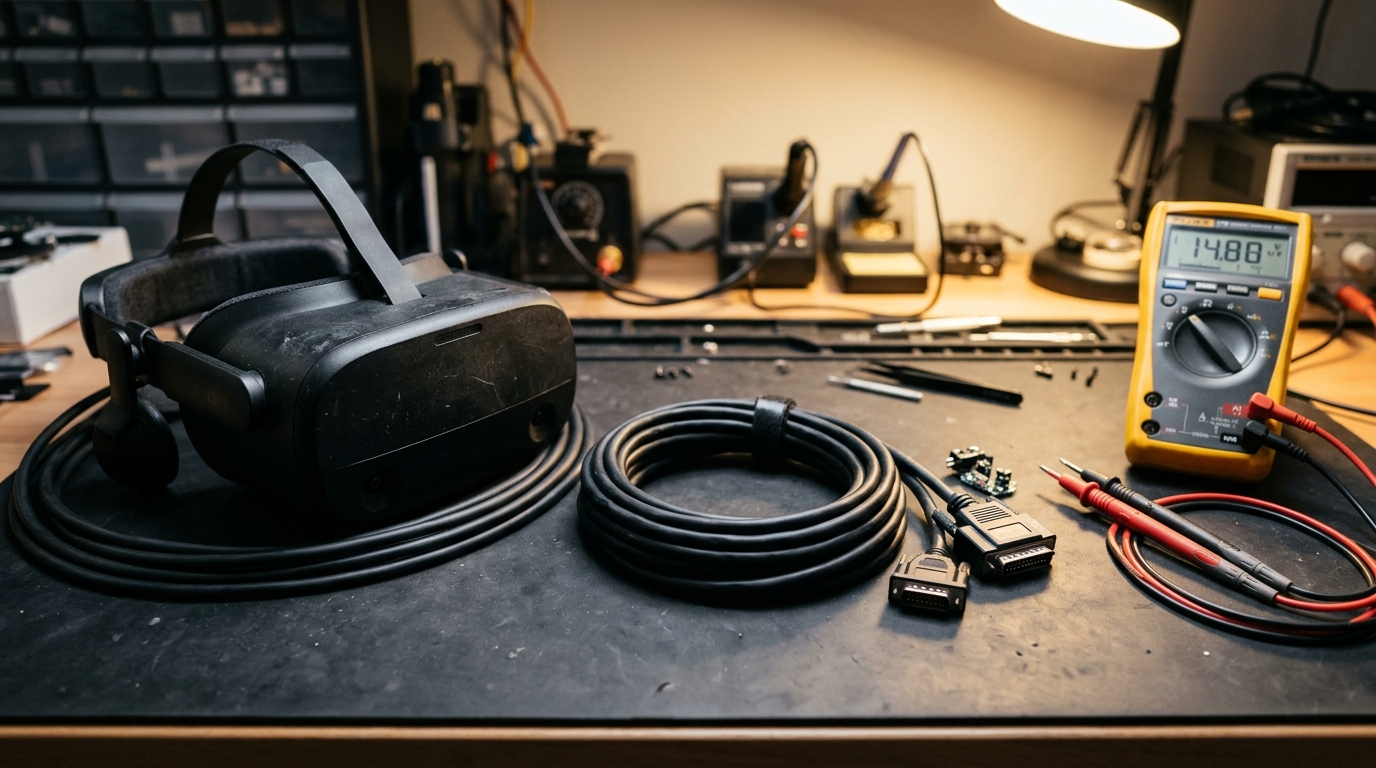
A damaged tether cable on your Varjo XR-3 can bring your work or gaming to a sudden halt, but you do not need to buy a brand-new headset. At RockIT Repairs, we fix this exact XR-3 tether cable issue every day and can get you back into VR quickly.
Service Summary & Guarantees
- Supported Device
- Varjo, MeganeX, Somnium & PCVR Xr 3
- Inbound FedEx Label
- Free ($0 Prepaid Ground)
- Bench Checkup & Quote
- Free ($0 Paid Upfront)
- If Quote Is Declined
- Free Return Shipping
- Repair Warranty
- 90-Day Parts & Labor
- Virginia Repair Lab
- Fredericksburg, VA 22401
Quick Takeaways Before You Ship
- Why it happens: Frequent turning, stepping on the cord, or tight bends near the headset clip can wear out the tiny wires inside the XR-3 tether cable.
- Zero risk to start: Print a free FedEx Ground shipping label, get a free bench checkup, and pay $0 upfront.
- Peace of mind: Every tether cable repair is backed by our 90-day warranty on parts and labor.
Signs You Need This Repair
- Your XR-3 screen flickers, flashes static, or goes completely black when you move your head.
- Your PC keeps making the USB disconnect and reconnect sound while the headset is plugged in.
- You notice a visible kink, twist, or frayed spot along the length of the tether cable.
- The headset only turns on if you hold the cable at a specific angle near the headset or link box.
What Happened Inside & How We Fix It
| What You Notice | Likely Hardware Cause | Our Bench Fix |
|---|---|---|
| Black screen or flickering video when moving | The high-speed video wires inside the tether cable have snapped or worn thin from repeated bending. | We replace the damaged tether cable with a tested, reliable unit and check the headset port for any loose pins. |
| Headset not detected by your PC | The data or power lines inside the cable or the link box connection have failed. | We test the full cable path on our bench, repair or replace the faulty tether, and verify a solid PC connection. |
| Loose or wobbly cable plug at the headset | A tug on the cord has strained the plug or the port inside the XR-3. | We inspect both the cable end and the headset socket, replacing any worn parts so the plug locks in tightly. |
Safe Quick Checks at Home
- Unplug the tether cable from both the PC link box and the headset, then plug them back in firmly until they click.
- Inspect the full length of the cord for any tight knots or twists, and gently straighten it out.
- Try plugging the link box into a different USB and DisplayPort on your computer to rule out a bad PC port.
Mistakes to Avoid
- Do not wrap the tether cable tightly around the headset or your arm when storing it, as this breaks the inner wires.
- Do not use electrical tape to bend the cord into a working position, which can cause heat buildup or short circuits.
- Do not force or yank the plug out of the XR-3 if it feels stuck, as you could rip the socket off the inside board.
How We Fix Your Xr 3
We make getting your gear fixed simple and stress free:
- 01. 1. Ship it for free
Print a free FedEx Ground shipping label right on this page, pack your XR-3 safely, and drop it off.
- 02. 2. Free checkup
When your box arrives at our Fredericksburg, Virginia shop, we test your headset and tether cable on the bench for free to find the exact problem.
- 03. 3. Approve your quote
We send a fair price quote by email and text for you to approve online. You pay $0 upfront, and if you decide not to go ahead, we cover the return shipping back to you.
- 04. 4. Fast repair and 90-day warranty
Once approved, we perform a fast repair, test your XR-3 thoroughly in VR, and back every fix with a 90-day warranty on parts and labor.
Have questions before you ship? Our friendly team is here to help! Reach out to RockIT Repairs at 1319 Lafayette Blvd. #300 Fredericksburg, Virginia 22401, call us at 540-412-8824, or email rockitrepairs@gmail.com.
Common Questions About Xr 3 Repair
Should I ship my tether cable and link box with the XR-3?
Yes, please include both the headset and the full tether cable setup so we can test everything together on our bench.
How much does it cost to have my XR-3 checked out?
Nothing. Both the FedEx Ground shipping label and our bench checkup are completely free, and you pay $0 upfront.
What if I decide not to fix it after I see the quote?
That is totally fine. If you decline the quote, RockIT Repairs covers the return shipping to send your XR-3 back to you.
How long does the repair take?
Once you approve your quote, we complete most tether cable repairs quickly and test the headset in VR before shipping it right back.