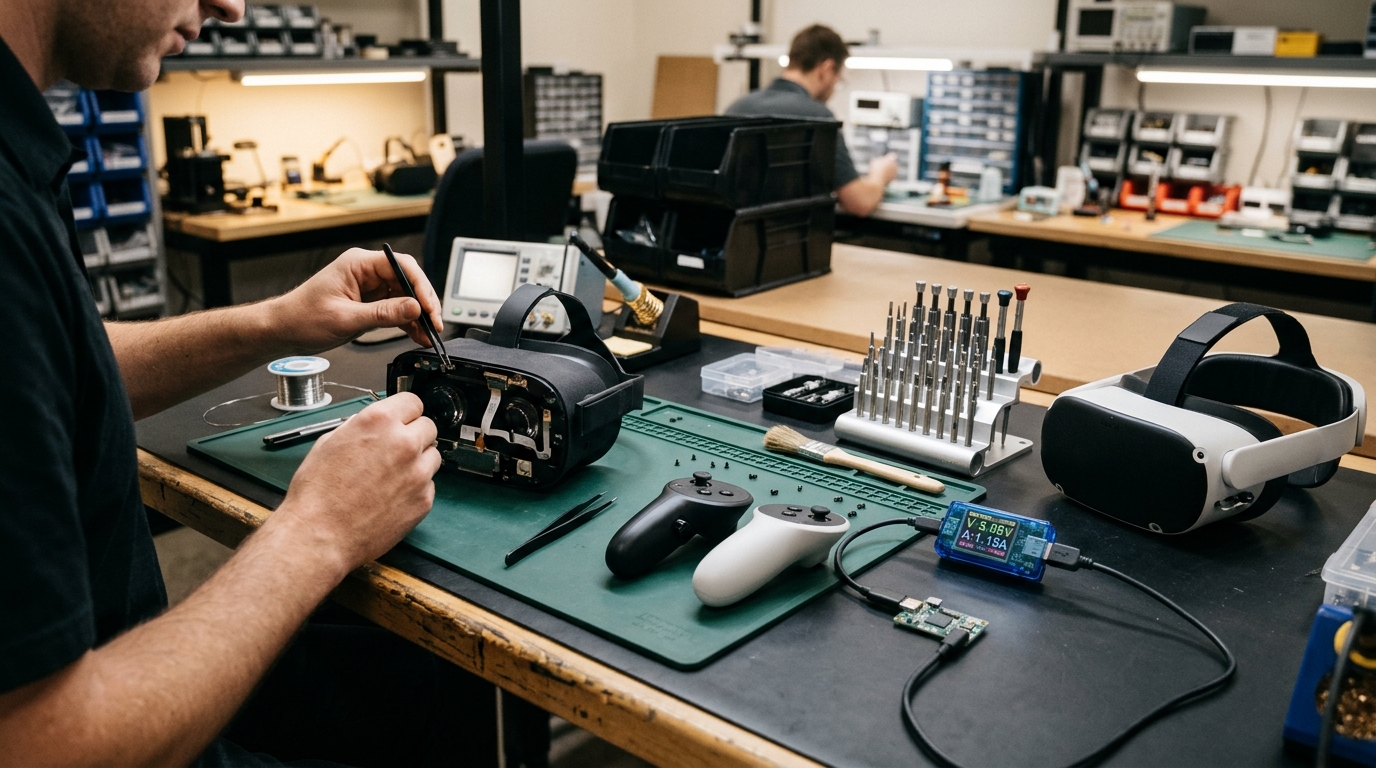
RockIT Repairs VR & AR Workbench · Fredericksburg, Virginia
If your Vr 2 headset has suddenly stopped turning on, lost its display, or won't connect to your PC, you do not need to buy a brand-new unit. At RockIT Repairs, our technicians fix Vr 2 motherboard issues every day so you can get back into your favorite VR worlds.
Service Summary & Guarantees
- Supported Device
- Varjo, MeganeX, Somnium & PCVR Vr 2
- Inbound FedEx Label
- Free ($0 Prepaid Ground)
- Bench Checkup & Quote
- Free ($0 Paid Upfront)
- If Quote Is Declined
- Free Return Shipping
- Repair Warranty
- 90-Day Parts & Labor
- Virginia Repair Lab
- Fredericksburg, VA 22401
Quick Takeaways Before You Ship
- Why it happens: Heat, power surges, or a loose internal connection can cause the main board in your Vr 2 to stop working properly.
- $0 upfront: Get a free FedEx Ground shipping label and a free bench checkup at our Fredericksburg, Virginia shop.
- Peace of mind: Every motherboard repair is backed by our 90-day warranty on parts and labor.
Signs You Need This Repair
- Your Vr 2 headset shows no signs of life and the status light stays completely off when plugged in.
- Your PC no longer recognizes the headset, or you see constant USB and DisplayPort connection errors.
- The headset powers on for a few seconds, gets unusually hot, and then shuts itself right back down.
- You hear audio or see tracking work, but the screens stay completely black even with a known-good cable.
What Happened Inside & How We Fix It
| What You Notice | Likely Hardware Cause | Our Bench Fix |
|---|---|---|
| No power or status light | A power-handling part on the main board has worn out or been damaged by a power surge. | We test the power path on the board and replace the faulty power parts so the headset turns on reliably. |
| PC will not detect the Vr 2 | The data or video chip on the motherboard is no longer talking to your computer. | We repair or replace the damaged connection points and data parts on the board, then test with a PC. |
| Random shutoffs or overheating | A shorted part on the motherboard is drawing too much power and triggering safety shutoffs. | We locate the shorted area, replace the worn component, and run a full stress test in VR. |
Safe Quick Checks at Home
- Try a different USB 3.0 port and DisplayPort on the back of your PC, avoiding any adapters or extension cables.
- Unplug the main headset cable from both the PC and the headset, then plug it back in firmly to rule out a loose cord.
- Test the Vr 2 power adapter in a different wall outlet to make sure the outlet itself is working.
Mistakes to Avoid
- Do not open the Vr 2 housing yourself, as the internal cables and lenses are very delicate and easy to tear.
- Do not use a random third-party power brick with the wrong voltage, which can cause worse board damage.
- Do not try to heat the board with a hair dryer or heat gun, as this can melt nearby plastic parts.
How We Fix Your Vr 2
We make getting your gear fixed simple and stress free:
- 01. 1. Ship it for free
Print a free FedEx Ground shipping label right on this page, pack your Vr 2 safely, and drop it off.
- 02. 2. Free checkup
When your box arrives at our Fredericksburg, Virginia shop, we test it on the bench for free to find the exact problem.
- 03. 3. Approve your quote
We send a fair price quote by email and text to approve online. You pay $0 upfront, and if you decide not to go ahead, we cover the return shipping back to you.
- 04. 4. Fast repair and 90-day warranty
Once approved, we perform a fast repair, test your Vr 2 thoroughly in VR, and back every fix with a 90-day warranty on parts and labor.
Have questions before you ship? Our friendly team is here to help! Reach out to RockIT Repairs at 1319 Lafayette Blvd. #300 Fredericksburg, Virginia 22401, call us at 540-412-8824, or email rockitrepairs@gmail.com.
Common Questions About Vr 2 Repair
How much does Vr 2 motherboard repair cost?
Every board issue is a little different, so we give you a free checkup first and send an exact quote by email and text before you pay anything.
What if my Vr 2 motherboard cannot be fixed?
If we cannot fix it, or if you decide not to approve the quote, you pay $0 and RockIT Repairs covers the return shipping back to you.
How long does the repair take?
Most Vr 2 motherboard repairs are completed within a few business days after you approve your quote, plus shipping time.
Should I send my Vr 2 cable and accessories in the box?
Yes, please include your main headset cable and power adapter if you have them, so we can test your full setup together.