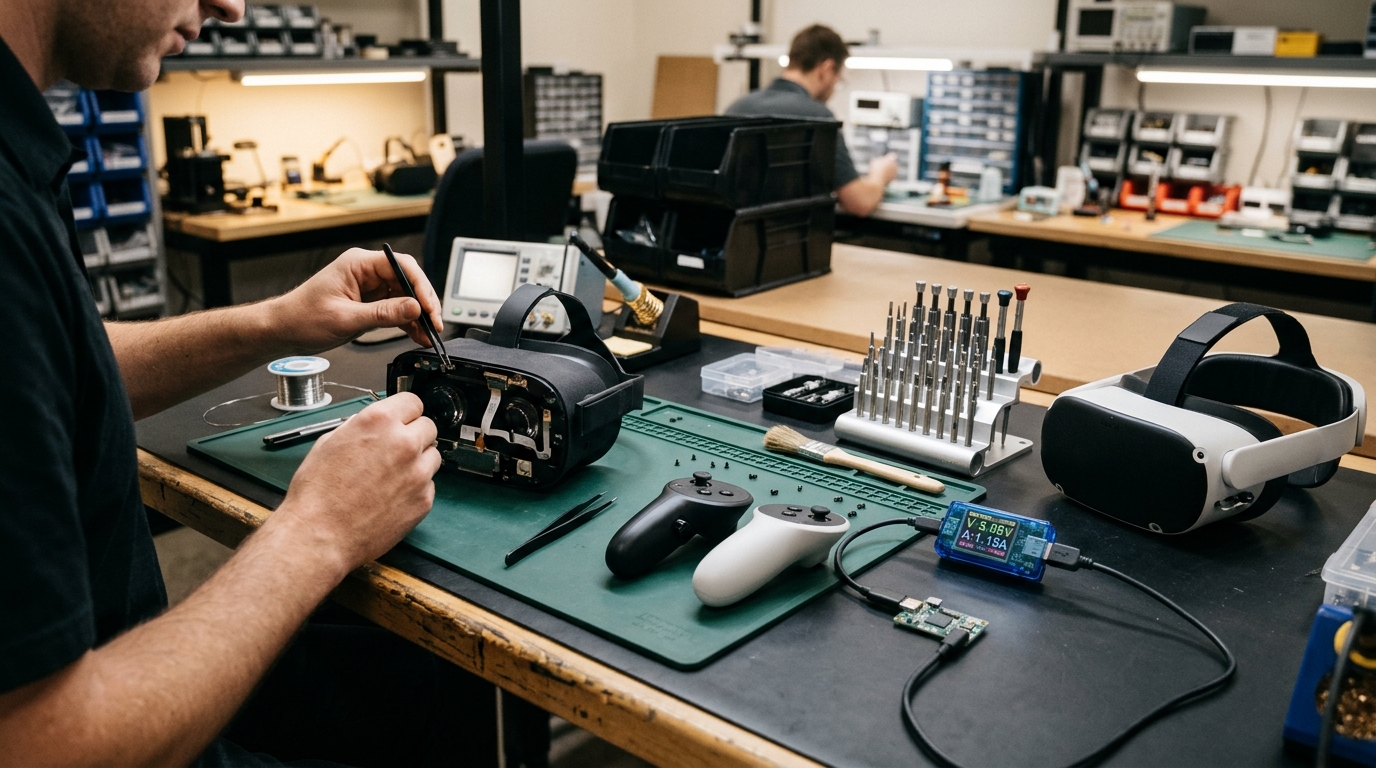
RockIT Repairs VR & AR Workbench · Fredericksburg, Virginia
If your Bigscreen Beyond (Original) stopped working and you are not sure why, do not worry about buying a brand-new headset. At RockIT Repairs, our technicians test and fix Bigscreen Beyond (Original) headsets every day, and we will find the exact problem for free before you spend a dime.
Service Summary & Guarantees
- Supported Device
- Bigscreen Bigscreen Beyond (Original)
- Inbound FedEx Label
- Free ($0 Prepaid Ground)
- Bench Checkup & Quote
- Free ($0 Paid Upfront)
- If Quote Is Declined
- Free Return Shipping
- Repair Warranty
- 90-Day Parts & Labor
- Virginia Repair Lab
- Fredericksburg, VA 22401
Quick Takeaways Before You Ship
- Small internal cables, ports, or display parts can wear out over time, even without a big drop.
- Pay $0 upfront with our free FedEx Ground shipping label and free bench checkup.
- Every approved repair is backed by our 90-day warranty on parts and labor.
Signs You Need This Repair
- The headset stays completely black or will not power on when plugged into your PC.
- One or both screens flicker, show strange lines, or cut out when you move your head.
- Your PC does not recognize the headset, or tracking drops out mid-game.
- The audio, fan, or USB-C connection feels loose or stops working altogether.
What Happened Inside & How We Fix It
| What You Notice | Likely Hardware Cause | Our Bench Fix |
|---|---|---|
| Black screen or no power | A worn-out internal power wire, loose connector, or damaged main board part. | We test the power path on our bench and replace the faulty part or cable. |
| Flickering display or lines | A pinched display cable or a failing micro-OLED screen. | We swap out the damaged cable or install a fresh, tested display. |
| PC will not detect headset | A worn USB-C port, bad link box connection, or internal sensor issue. | We clean, repair, or replace the port and test tracking in VR. |
Safe Quick Checks at Home
- Unplug the main cable from both the headset and your PC, then plug it back in firmly.
- Try a different DisplayPort or USB port on your computer to rule out a bad PC port.
- Restart SteamVR and your computer, and check that your graphics drivers are up to date.
Mistakes to Avoid
- Do not pry open the tiny Bigscreen Beyond shell, as the custom housing cracks easily.
- Do not pull or twist the main cable near the headset plug to force a connection.
- Do not use liquid cleaners or compressed air directly on the lenses or inside the vents.
How We Fix Your Bigscreen Beyond (Original)
We make getting your gear fixed simple and stress free:
- 01. 1. Ship it for free
Print a free FedEx Ground shipping label right on this page, pack your headset safely, and drop it off.
- 02. 2. Free checkup
When your box arrives at our Fredericksburg, Virginia shop, we test it on the bench for free to find the exact problem.
- 03. 3. Approve your quote
We send a fair price quote by email and text to approve online. You pay $0 upfront, and if you decide not to go ahead with the quote, we cover return shipping back to you.
- 04. 4. Fast repair and 90-day warranty
Once approved, we perform a fast repair, test your headset thoroughly in VR, and back every fix with a 90-day warranty on parts and labor.
Have questions before you ship? Our friendly team is here to help! Reach out to RockIT Repairs at 1319 Lafayette Blvd. #300 Fredericksburg, Virginia 22401, call us at 540-412-8824, or email rockitrepairs@gmail.com.
Common Questions About Bigscreen Beyond (Original) Repair
What should I include in the box when I ship my Bigscreen Beyond (Original)?
Please include your Bigscreen Beyond headset and the main link cable if you have it. You can keep your custom face cushion at home unless you think it is part of the problem.
Does the free checkup really cost nothing if I decide not to repair it?
Yes. You pay $0 upfront. If you skip the quote, we do not charge a bench fee and we cover the FedEx return shipping back to you.
How long does the free checkup and repair take?
We usually finish the bench checkup within 1 to 2 business days of receiving your box, and most approved repairs are completed within a few business days.
Will my Bigscreen Beyond still fit my face after the repair?
Yes. We do not alter your custom face cushion or lens spacing, so your headset will fit just like it did before.